eTask installation
Preparation
Before installing eTask in Microsoft Teams environment, the following information should be prepared for a smooth installation.
| Items | Information |
|---|---|
| Use AzureDevOps: | Host name Token |
| Use Jira | Host name Access account |
| Use Microsoft Planner | Plan name Access account |
| These above items are required for synchronization between eTask and external sources. |
Install eTask in Microsoft Teams App Channel
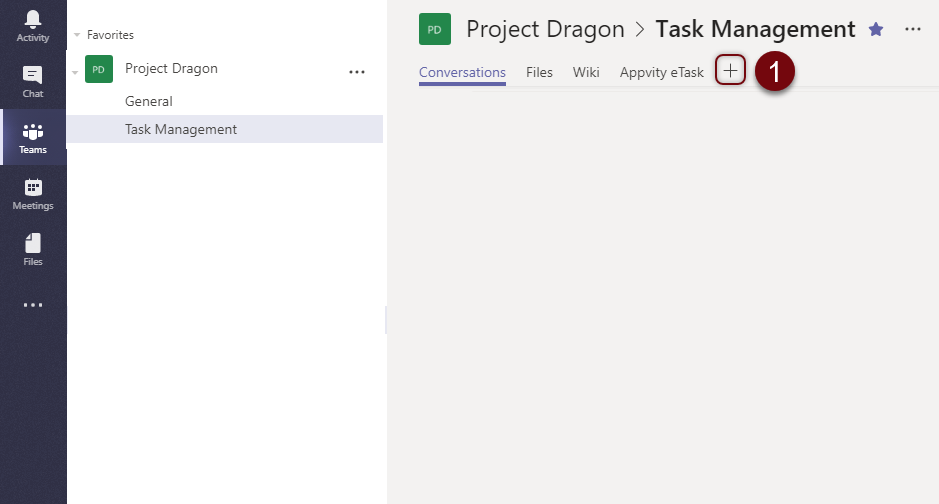
- Select the Channel and click the + icon to add a new tab.
- Look for “eTask” in the search box and select eTask.
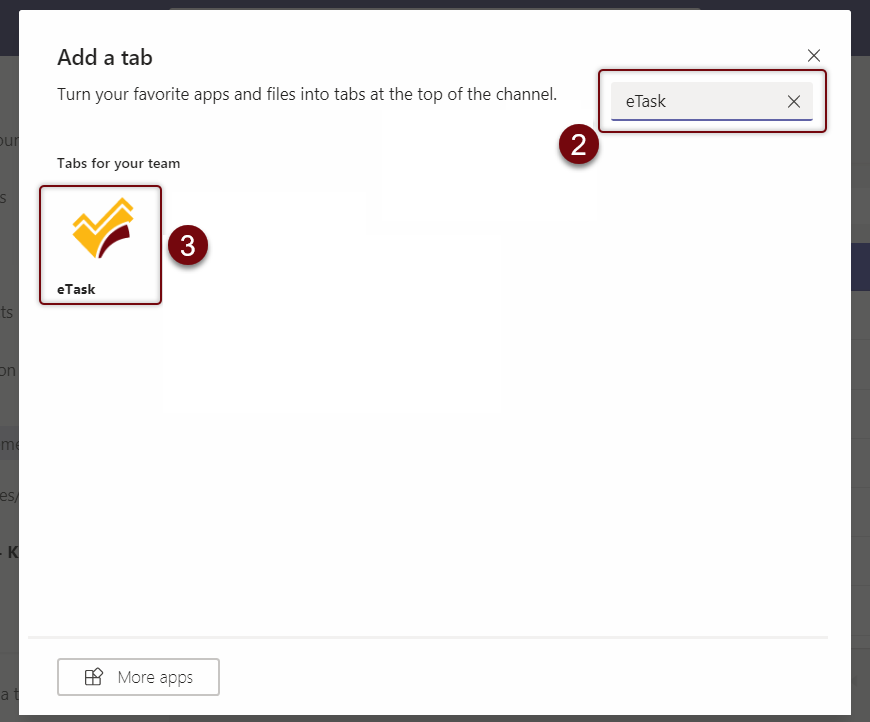
- If this is the first-time that user adds eTask to the Channel, or if eTask session has expired, user will need to sign in their O365 account.
- Click to accept terms of service and Save.
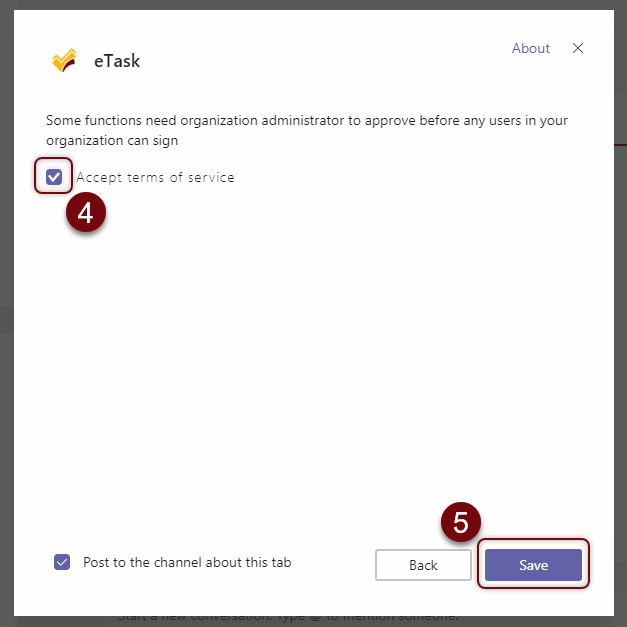
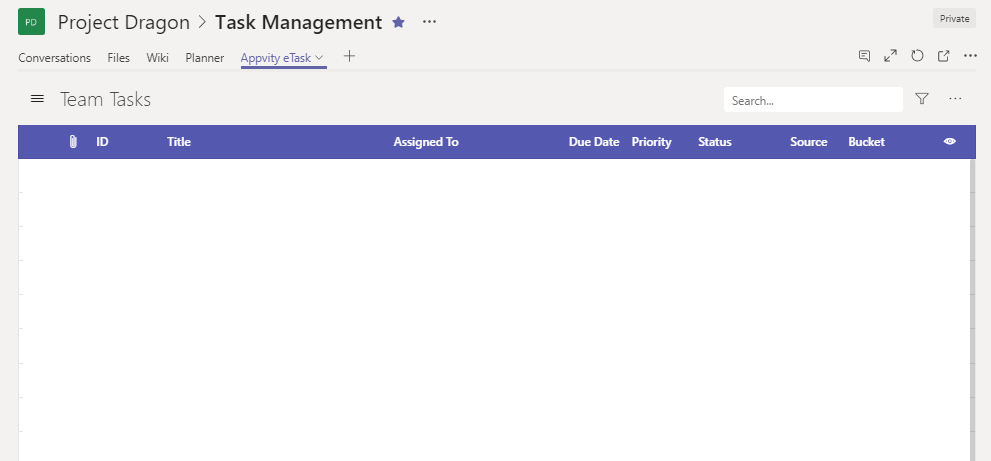
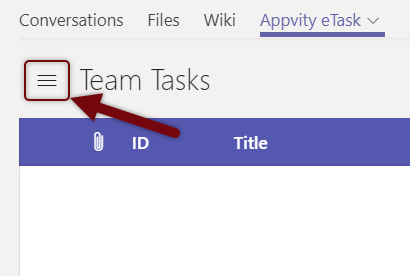
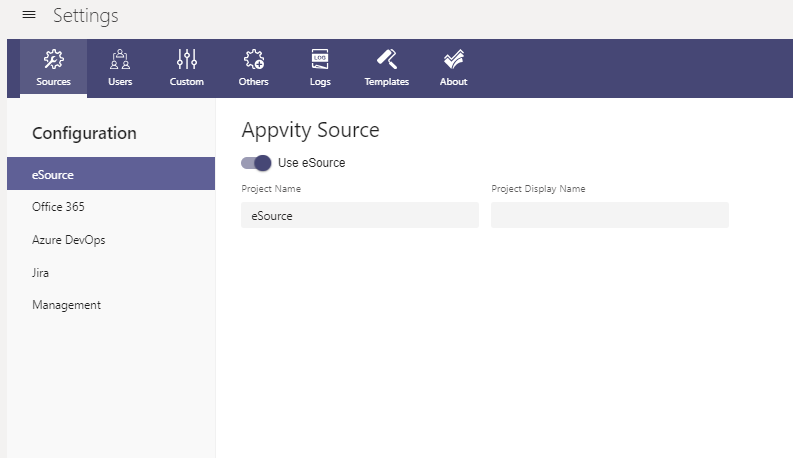
- Configure and save eTask settings for the first time to finish adding eTask to the Channel.